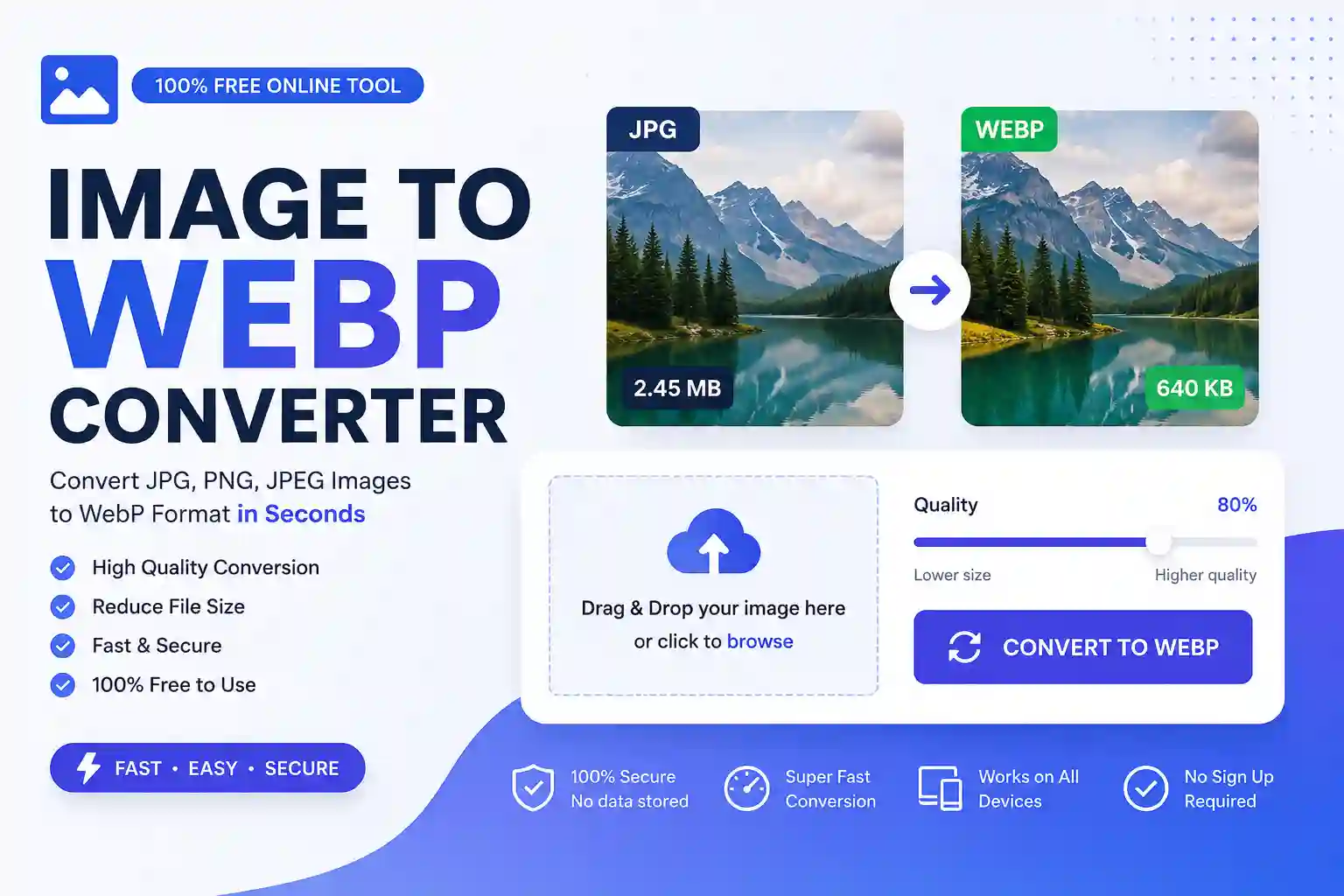
Convert JPG, JPEG, and PNG images to WebP instantly with our free Image to WebP Converter & Compressor. This online tool helps you reduce image file size while maintaining excellent image quality. No registration, installation, or watermark is required. Simply upload your image, choose the compression quality, and download the optimized WebP file in seconds.
Image to WebP Converter
Original Size: –
Compressed Size: –
What Is an Image to WebP Converter?
An Image to WebP Converter is an online tool that converts common image formats like JPG, JPEG, and PNG into the modern WebP format developed by Google. WebP images are significantly smaller than traditional image formats while preserving high visual quality.
Using WebP images can improve your website’s loading speed, user experience, and SEO performance.
Why Use This Tool?
Our Image to WebP Converter offers several benefits:
- Convert JPG, JPEG, and PNG to WebP
- Compress images without noticeable quality loss
- Fast browser-based conversion
- Secure processing (your files are not uploaded to our server)
- Mobile and desktop friendly
- Completely free to use
- No watermark
- Instant download
How to Convert Images to WebP
Follow these simple steps:
- Click the Choose Image button or drag and drop your image.
- Select a JPG, JPEG, or PNG file.
- Adjust the image quality using the compression slider.
- Click Convert to WebP.
- Download the optimized WebP image instantly.
Supported Image Formats
Our converter supports:
- JPG
- JPEG
- PNG
Output format:
- WebP
Why Choose WebP?
WebP offers several advantages over traditional image formats:
- Smaller file sizes
- Faster website loading
- Better Google PageSpeed scores
- Reduced bandwidth usage
- High image quality
- Ideal for blogs, eCommerce, and WordPress websites
Is This Tool Safe?
Yes. This tool processes images directly in your browser, meaning your files remain on your device and are not stored on our server. Your privacy is fully protected.
Frequently Asked Questions
Is this Image to WebP Converter free?
Yes. It is completely free with no hidden charges.
Will image quality decrease?
You can control the compression level using the quality slider. Higher quality preserves more details, while lower quality creates smaller file sizes.
Do I need to install software?
No. Everything works directly in your web browser.
Can I use this on my phone?
Yes. The tool is fully responsive and works on Android, iPhone, tablets, laptops, and desktop computers.
Does this tool support PNG with transparency?
Yes. WebP supports transparency, and PNG images with transparent backgrounds can be converted while preserving transparency where supported.
Why Use Our Image to WebP Tool?
Whether you’re a blogger, web developer, designer, or WordPress user, this tool helps optimize images for faster websites and better SEO. By converting images to WebP, you can improve loading speed, reduce storage space, and provide a better browsing experience for your visitors.
Start converting your images today with our free Image to WebP Converter & Compressor and enjoy faster, lighter, and more efficient web images.