
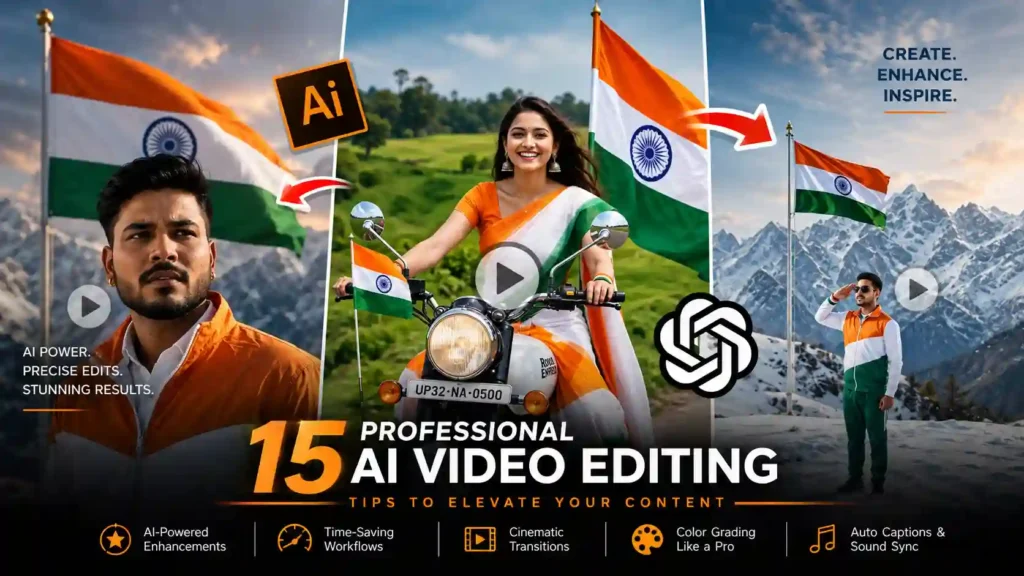
How to Make Independence Day Videos with AI (2026 Guide)
Every August, my feed fills up with the same thing: patriotic reels, flag animations, tricolor smoke trails, the works. 15 August has quietly become one of the biggest content days of the year on YouTube, Instagram, and Facebook — schools, creators, brands, everyone jumps in. And honestly, AI video tools have made this way easier than it used to be. You don’t need a camera crew or a drone pilot anymore; a good prompt and a tool like Veo, Kling, or Runway can get you most of the way there.
Here’s a practical prompt you can copy, plus some notes on what actually makes these videos look good instead of generic.
Why bother with an AI-made Independence Day video
People search for this stuff every year without fail — patriotic status videos, flag reels, freedom-themed clips. If you’re posting around 15 August, that’s an audience that’s already looking for exactly what you’re making. AI tools let you put together things that would’ve taken a real production budget a few years ago: sunrise shots over monuments, crowd scenes, flyovers, fireworks — all generated instead of filmed.
Which tools actually work for this
A few generators handle this kind of cinematic, motion-heavy prompt well:
Google Veo
Kling AI
PixVerse
Runway
Hailuo AI
Pika Labs
Luma AI
They’re not identical — some are stronger on realistic faces, others on camera movement — so it’s worth testing the same prompt across two or three before you commit to one.
The prompt
Paste this into whichever tool you’re using and tweak it from there:
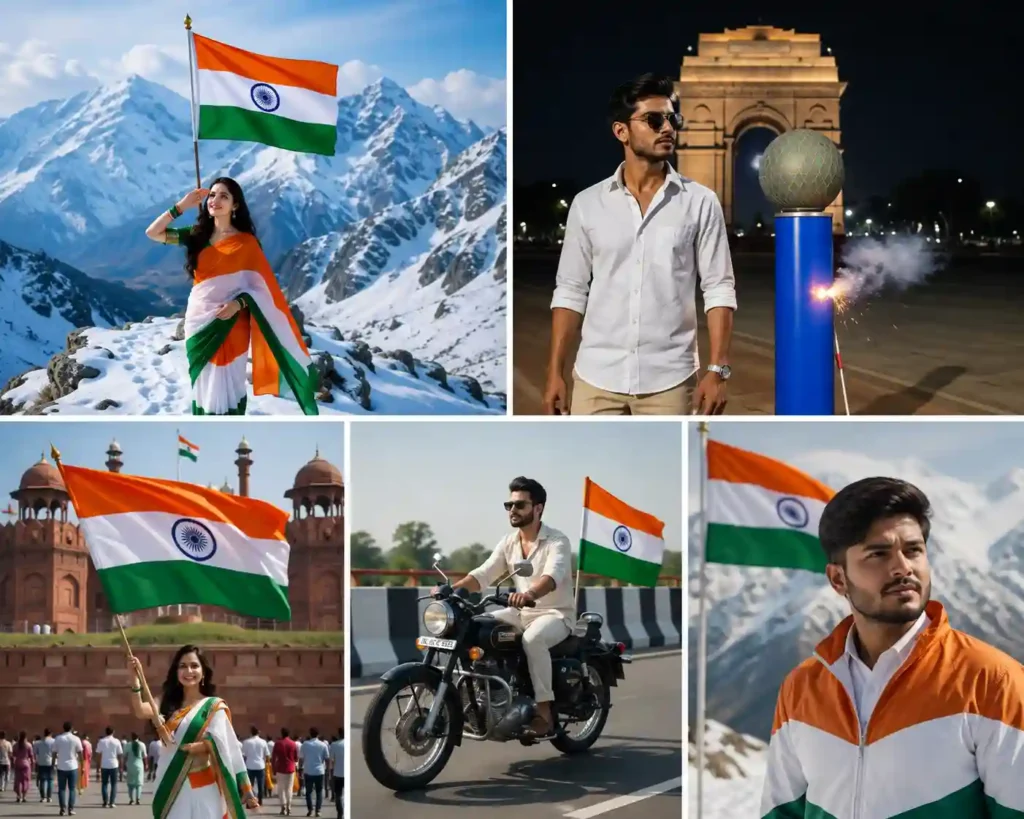
Create a breathtaking cinematic 9:16 vertical video celebrating India's Independence Day. Show a majestic sunrise over the Red Fort with thousands of people waving the Indian national flag. The Indian tricolor gracefully flies in slow motion while colorful flower petals float through the air. Include children smiling, soldiers saluting, and the Indian Air Force jets performing a spectacular tricolor smoke flypast across a clear blue sky. Capture emotional close-up shots of proud citizens, dramatic drone views of the celebration, realistic fireworks, golden sunlight, ultra-realistic faces, cinematic camera movements, volumetric lighting, realistic cloth simulation, detailed environment, vibrant colors, HDR, 8K quality, smooth motion, slow-motion sequences, highly detailed textures, professional film look, inspiring patriotic atmosphere.What actually improves the output
The generic advice is “be more descriptive,” which is true but not that useful on its own. What actually moves the needle is naming specifics instead of vibes: don’t just say “good lighting,” say golden-hour backlight or overcast diffused light. Don’t say “nice motion,” say slow dolly-in or handheld tracking shot. The models respond much better to concrete camera and lighting language than to adjectives like “stunning” or “epic,” which they’ve basically learned to ignore.
Things worth specifying every time:
Camera movement (drone flyover, crane shot, slow dolly-in, orbit)
Lighting and time of day
Weather and atmosphere
What the crowd is actually doing, not just “celebrating”
Aspect ratio and resolution
Give it something to feel, not just look at
The videos that actually land aren’t just pretty — they have a small human moment somewhere in them. A kid holding a flag a little too big for their hands. A soldier’s salute held a beat too long. Petals catching wind mid-frame. You don’t need five of these in one video — one well-placed detail does more than a checklist of “fireworks + flag + jets.”
Export settings that hold up on mobile
4K or 8K where the tool allows it
9:16 if it’s going on Reels or Shorts
30–60 FPS
HDR on, cinematic grading
Where these actually get used
Mostly Reels, Shorts, and WhatsApp Status, but school presentations and brand campaigns lean on these too — they’re low-effort enough to make quickly but polished enough not to look thrown together.
At the end of the day, the prompt above is a starting point, not a formula. Swap the location, change who’s in frame, adjust the mood — the tools reward specificity, not length. A shorter prompt with three exact details usually beats a long one stuffed with buzzwords.
Best AI Tools for Independence Day Videos
Several AI video generators can produce high-quality patriotic videos from text prompts.
Popular options include:
- Google Veo
- Kling AI
- PixVerse AI
- Runway
- Hailuo AI
- Pika Labs
- Luma AI
Each tool supports cinematic prompts with realistic motion, lighting, and camera movements.
Professional 15 August AI Video Prompt
Copy and paste the following prompt into your favorite AI video generator:
Create a breathtaking cinematic 9:16 vertical video celebrating India's Independence Day. Show a majestic sunrise over the Red Fort with thousands of people waving the Indian national flag. The Indian tricolor gracefully flies in slow motion while colorful flower petals float through the air. Include children smiling, soldiers saluting, and the Indian Air Force jets performing a spectacular tricolor smoke flypast across a clear blue sky. Capture emotional close-up shots of proud citizens, dramatic drone views of the celebration, realistic fireworks, golden sunlight, ultra-realistic faces, cinematic camera movements, volumetric lighting, realistic cloth simulation, detailed environment, vibrant colors, HDR, 8K quality, smooth motion, slow-motion sequences, highly detailed textures, professional film look, inspiring patriotic atmosphere.Tips for Better AI Video Results
To achieve the best output, include details about:
- Camera movement
- Lighting
- Weather
- Crowd expressions
- Color grading
- Video quality
- Motion speed
- Aspect ratio
The more descriptive your prompt, the more realistic the generated video will appear.
Best Camera Movements
Use cinematic camera directions such as:
- Drone flyover
- Slow dolly-in
- Orbit shot
- Crane shot
- Tracking shot
- Close-up
- Wide-angle cinematic view
- Slow-motion reveal
These movements make AI-generated videos feel like professionally filmed scenes.
Add Emotional Elements
Patriotic videos become more powerful when they tell a story.
Include moments like:
- A child proudly holding the Indian flag
- A soldier saluting the national flag
- Families celebrating together
- Students singing the national anthem
- Flowers falling from the sky
- Tricolor smoke filling the air
These scenes create an emotional connection with viewers.
Export Settings
For the best quality:
- Resolution: 4K or 8K
- Aspect Ratio: 9:16 for Reels & Shorts
- Frame Rate: 30–60 FPS
- HDR Enabled
- High Detail Mode
- Cinematic Color Grading
Where to Use These Videos
Your AI-generated Independence Day videos are perfect for:
- YouTube Shorts
- Instagram Reels
- Facebook Reels
- WhatsApp Status
- School presentations
- Brand promotions
- Social media campaigns
SEO Tips for This Article
Use keywords naturally throughout your article, including:
- 15 August AI Video Prompt
- Independence Day AI Video Prompt
- Indian Flag AI Video
- AI Patriotic Video Prompt
- Google Veo Prompt
- Kling AI Prompt
- Independence Day Reel Prompt
This helps improve your chances of ranking on search engines.
Final Thoughts
AI has made it possible for anyone to create stunning Independence Day videos without expensive equipment or advanced editing skills. With the right prompt, you can generate cinematic visuals that capture the spirit of India’s freedom and inspire viewers across social media.
Whether you’re a content creator, student, marketer, or business owner, these AI prompts can help you produce memorable 15 August videos that celebrate patriotism in a visually powerful way. Experiment with different camera angles, lighting styles, and emotional storytelling to create videos that truly stand out.
Hii
Hello Bhai
Photo ko video banaa dena
👍👍👍👍👍