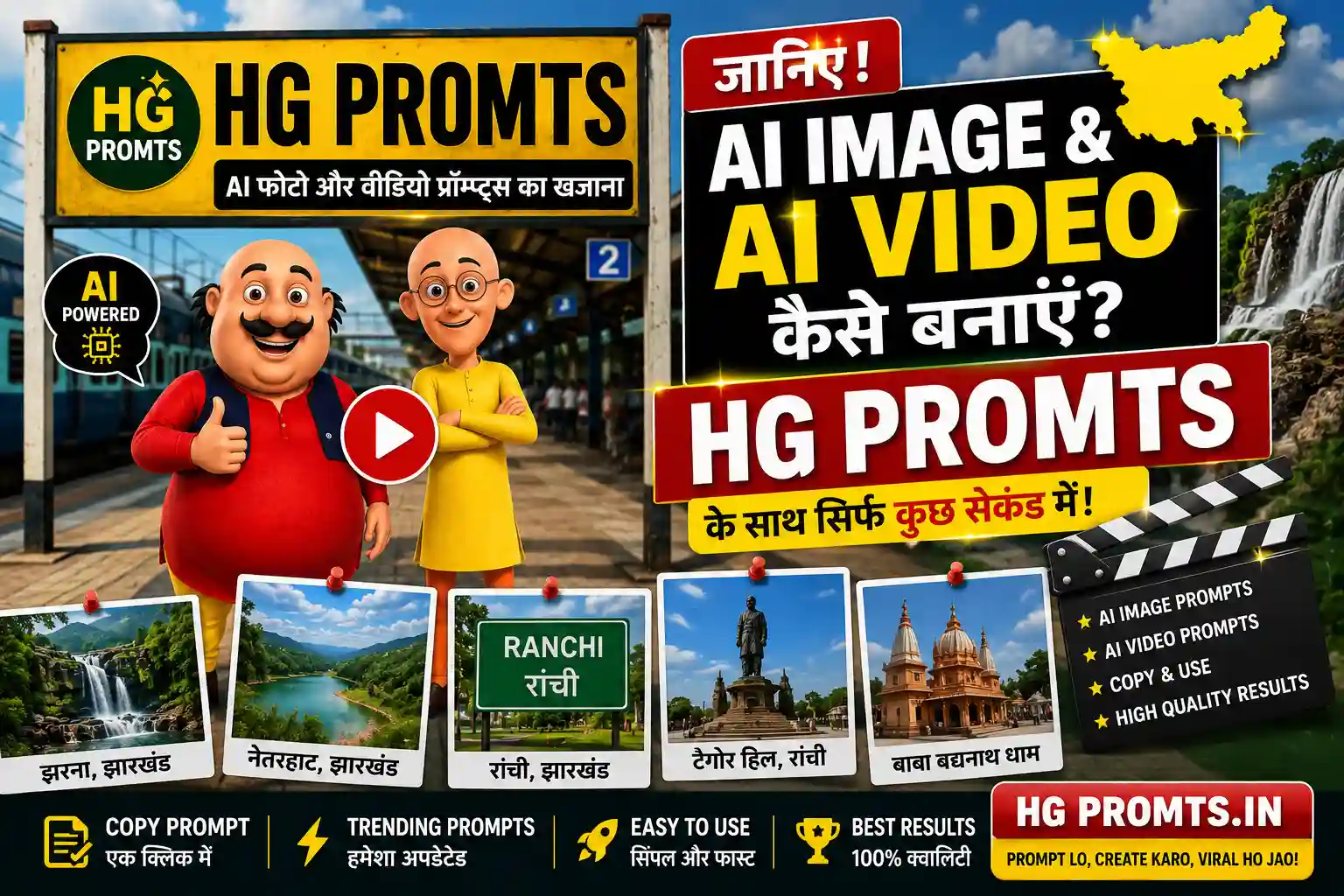
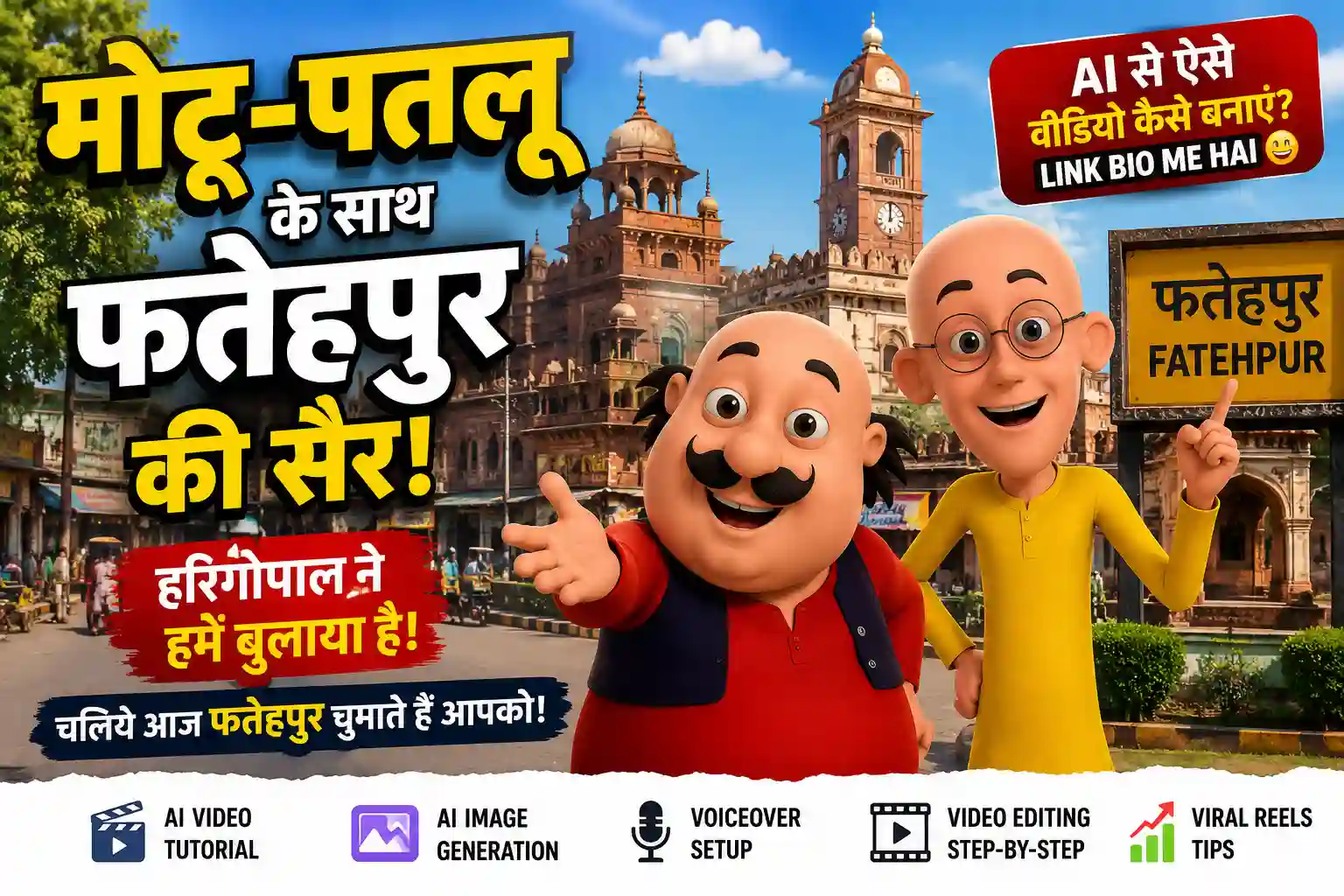
Motu Patlu AI Photo Editing Prompt – Create Viral Cartoon Style Photos with AI (2026)
Motu Patlu AI Photo Editing Prompt
Social media par har hafte koi na koi naya AI editing trend viral hota hai. Is samay "Motu Patlu Style AI Photo" trend Instagram Reels, Facebook, YouTube Shorts aur WhatsApp Status par tezi se popular ho raha hai. Hazaron creators cartoon-inspired photos bana kar upload kar rahe hain aur unhe achha engagement mil raha hai.
Agar aap bhi is trend ko try karna chahte hain, to is article mein hum aapko complete process batayenge. Saath hi ek detailed AI prompt bhi diya gaya hai jise use karke aap apni photo ko colorful cartoon-style world mein convert kar sakte hain.
Important: Yeh prompt original cartoon-style artwork banane ke liye hai. Kisi bhi copyrighted character ki exact copy banana ya use recreate karna avoid karein.
Yeh AI Editing Trend Kya Hai?
Is trend mein ek real insan ko bright, colorful aur animated cartoon environment ke saath blend kiya jata hai. Background 3D cartoon style ka hota hai, jabki face realistic aur natural rakha jata hai.
Result dekhne mein aisa lagta hai jaise aap kisi animated comedy world ka hissa ho.
Isi wajah se log is tarah ki images ko social media profile picture, Instagram post aur Facebook cover ke roop mein use kar rahe hain.
Is Style Ki Sabse Badi Khaasiyat
Is AI editing ki sabse achhi baat ye hai ki photo realistic aur cartoon dono ka perfect combination hoti hai.
Aapka face natural rehta hai jabki aas-paas ka environment colorful animated world jaisa dikhai deta hai.
Is type ki editing:
-
Bahut attractive lagti hai
-
Social media par alag nazar aati hai
-
Family-friendly hoti hai
-
High engagement hasil kar sakti hai
-
Cartoon lovers ko pasand aati hai
AI Photo Mein Kya-Kya Hota Hai?
Ek professional output mein generally ye elements hote hain:
-
Realistic human face
-
Bright cartoon background
-
Funny animated friends
-
Cinematic lighting
-
Vibrant colors
-
Detailed textures
-
Soft shadows
-
High-quality rendering
-
Natural pose
-
Professional composition
Motu Patlu Style AI Photo Prompt
Create a vibrant 3D cartoon-style scene inspired by classic Indian comedy cartoons without recreating any copyrighted characters. Two cheerful cartoon friends stand beside a realistic young Indian person in a colorful village street. Preserve the uploaded person's face exactly, including facial structure, hairstyle, eyes, nose, lips, beard, and natural expression. Keep the face completely realistic while blending naturally into the animated environment. The person wears a premium oversized black T-shirt, light blue baggy jeans, white sneakers, silver chain, and wristwatch. The pose is relaxed with one hand in the pocket and a friendly smile. Behind them is a rustic wooden welcome sign suspended with ropes between two wooden poles. Replace the center text with any custom name using bold white 3D lettering with red heart icons on both sides. The background features traditional Indian village houses, green trees, colorful flowers, bright blue sky, cinematic golden sunlight, HDR lighting, shallow depth of field, ultra-detailed textures, Pixar-quality 3D rendering, masterpiece quality, 8K resolution, vibrant colors, family-friendly atmosphere.
Negative Prompt
blurry, low quality, watermark, logo, text overlay, duplicate person, extra fingers, extra arms, deformed face, unrealistic anatomy, cropped image, bad lighting, horror theme, dark colors, noisy background, exact copyrighted cartoon characters
AI Image Banane Ke Liye Kya Chahiye?
Sirf teen cheezein:
-
Ek clear photo
-
AI image generator
-
Upar diya gaya prompt
Bas itna hi.
Step-by-Step Photo Kaise Banaye?
Step 1
Sabse pehle ek achhi quality ki selfie ya portrait photo select karein.
Step 2
Photo mein face clearly visible hona chahiye.
Step 3
Apna pasandida AI image generator open karein.
Step 4
Apni photo upload karein.
Step 5
Is article se prompt copy karein.
Step 6
Prompt paste karein.
Step 7
Agar prompt mein naam likhne ka option ho to apna naam replace karein.
Example:
❤️ HARIGOPAL ❤️
Step 8
Generate button par click karein.
Step 9
30–60 seconds mein AI image ready ho jayegi.
Step 10
Image ko download karke Instagram, Facebook ya WhatsApp par share karein.
Best AI Tools
Aap in AI tools ko try kar sakte hain:
-
ChatGPT Image Generation
-
Google Veo (supported image workflows)
-
Kling AI
-
PixVerse AI
-
Hailuo AI
-
Runway
Viral Banane Ke Tips
Agar aap chahte hain ki image zyada log dekhein to:
-
Bright colors use karein
-
Face clear rakhein
-
Cartoon background colorful ho
-
HD image upload karein
-
Attractive caption likhein
-
Trending hashtags use karein
-
Regular posting karein
Common Mistakes
Ye galtiyan avoid karein:
-
Low-quality photo upload karna
-
Face crop hona
-
Bahut dark image use karna
-
Blurry selfie
-
Bahut lamba aur confusing prompt
-
Exact copyrighted characters ki demand karna
Kya Is Trend Se Reach Mil Sakti Hai?
Agar aap creative aur original images banate hain aur unhe achhe caption ke saath upload karte hain, to aapko achha engagement mil sakta hai. Viral hone ki koi guarantee nahi hoti, lekin trend-based, high-quality aur original content ko log share karne ki sambhavna zyada hoti hai.
Frequently Asked Questions
Kya ye prompt free hai?
Haan, aap ise apne projects ke liye customize kar sakte hain.
Kya mobile se image ban sakti hai?
Bilkul. Mobile aur desktop dono par AI image generation ki ja sakti hai.
Kya face realistic rahega?
Agar aap high-quality reference image upload karte hain aur prompt sahi tarah use karte hain, to realistic face preserve hone ki sambhavna badh jaati hai.
Kya main apna naam signboard par likh sakta hoon?
Haan. Prompt mein diye gaye placeholder ko apne naam se replace kar sakte hain.
Final Words
Cartoon-inspired AI photo editing is samay social media par kaafi popular hai. Agar aap apni normal photo ko ek colorful animated world mein transform karna chahte hain, to upar diya gaya prompt aur step-by-step guide aapke liye achha starting point ho sakta hai. Original ideas aur creative concepts ke saath experiment karein aur apni unique style develop karein.
.jpg)