HTML Viewer Online Tool
Working with HTML becomes much easier when you have a tool that lets you view, edit, and preview your code in real time. Our HTML Viewer Online Tool is designed for developers, students, bloggers, and web designers who want a simple yet powerful way to inspect and test HTML code directly in their browser.
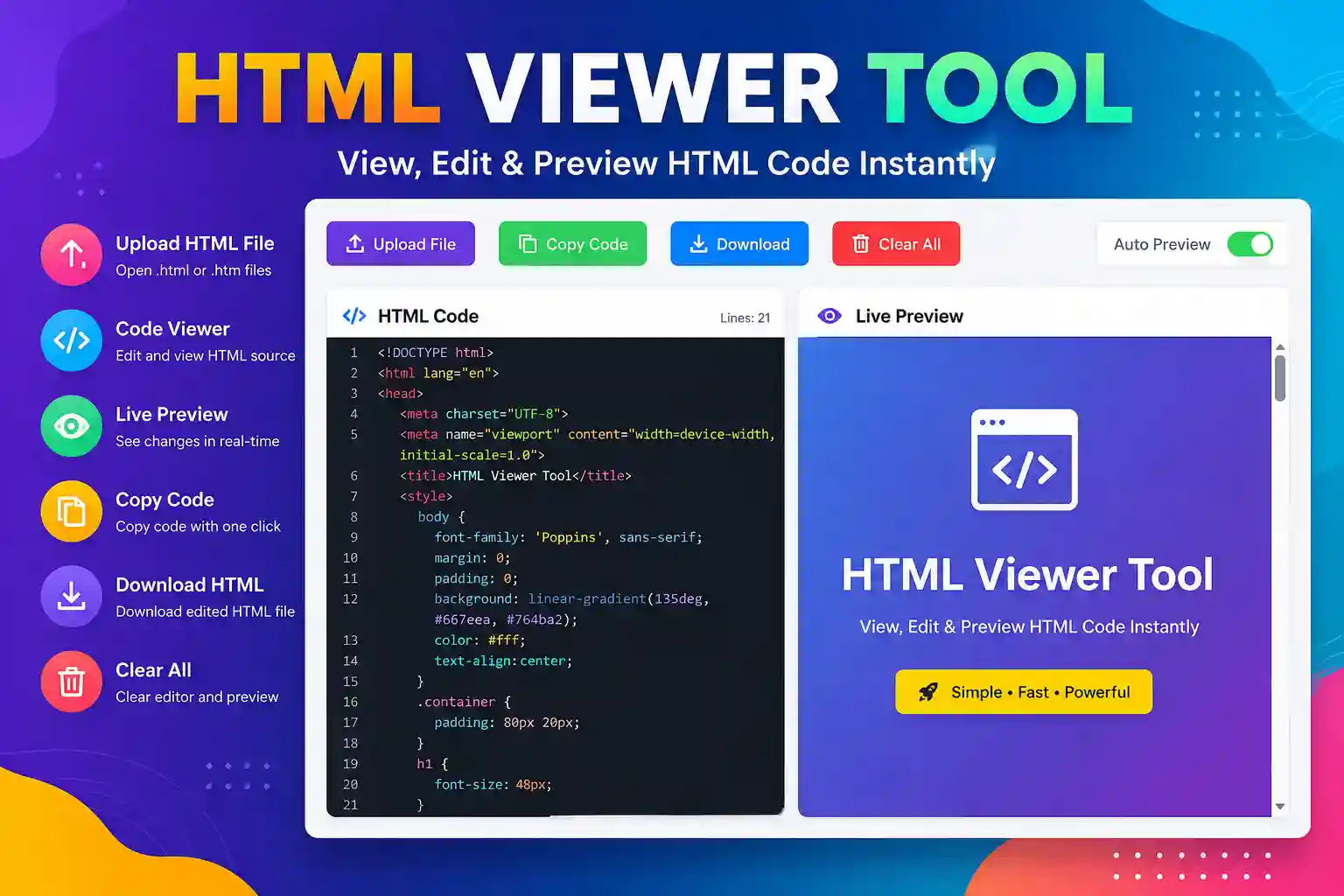
You can either paste your HTML code or upload an HTML file from your computer. The tool instantly displays the source code and renders a live preview, allowing you to see how your webpage will look before publishing it.
Unlike many complicated editors, this tool is lightweight, fast, and works entirely inside your browser, making it both secure and easy to use.
Key Features
- Upload HTML (.html or .htm) files
- View HTML source code instantly
- Live preview while editing
- Copy HTML code with one click
- Download edited HTML files
- Clear editor quickly
- Responsive interface for desktop and mobile
- No installation required
- Free to use
- Secure browser-based processing
How to Use
Using the HTML Viewer Tool is simple.
Step 1
Open the HTML Viewer Tool.
Step 2
Upload an HTML file or paste your HTML code into the editor.
Step 3
The tool automatically displays the HTML source code.
Step 4
Edit the code if needed.
Step 5
See the live preview instantly on the right side.
Step 6
Copy or download the updated HTML file whenever you’re ready.
Why Use an HTML Viewer?
HTML files are the foundation of every website. An HTML Viewer allows you to quickly inspect code, test layouts, debug web pages, and learn HTML without installing heavy software.
Whether you’re creating a landing page, testing templates, or learning web development, this tool saves time and improves productivity.
Benefits
- Fast HTML testing
- Beginner-friendly interface
- Works on any device
- No signup required
- Real-time preview
- Easy editing
- Lightweight and efficient
- Safe local processing
Who Can Use This Tool?
This tool is useful for:
- Web Developers
- Front-end Developers
- Students
- Teachers
- Bloggers
- Digital Marketers
- Website Owners
- Freelancers
- UI Designers
- Coding Beginners
Frequently Asked Questions
Is this HTML Viewer free?
Yes. It is completely free to use.
Can I upload HTML files?
Yes. You can upload both .html and .htm files.
Does it show a live preview?
Yes. Changes appear instantly in the preview panel.
Is my HTML uploaded to a server?
No. The tool processes your HTML inside your browser, keeping your code private.
Can I download the edited HTML?
Yes. After editing, you can download the updated HTML file with one click.
Does it work on mobile devices?
Yes. The interface is fully responsive and works on smartphones, tablets, laptops, and desktops.
Conclusion
The HTML Viewer Online Tool is a fast, secure, and user-friendly solution for viewing, editing, and previewing HTML code. Whether you’re a beginner learning HTML or an experienced developer testing web pages, this tool provides everything you need in one place. Upload your HTML file, edit the source code, preview the results instantly, and download the updated file—all without leaving your browser.