Introduction
The way people make content has changed a lot because of AI video generation. If you want to make videos for social media or try out AI storytelling you can use modern AI tools to create good quality cartoon style videos really fast.
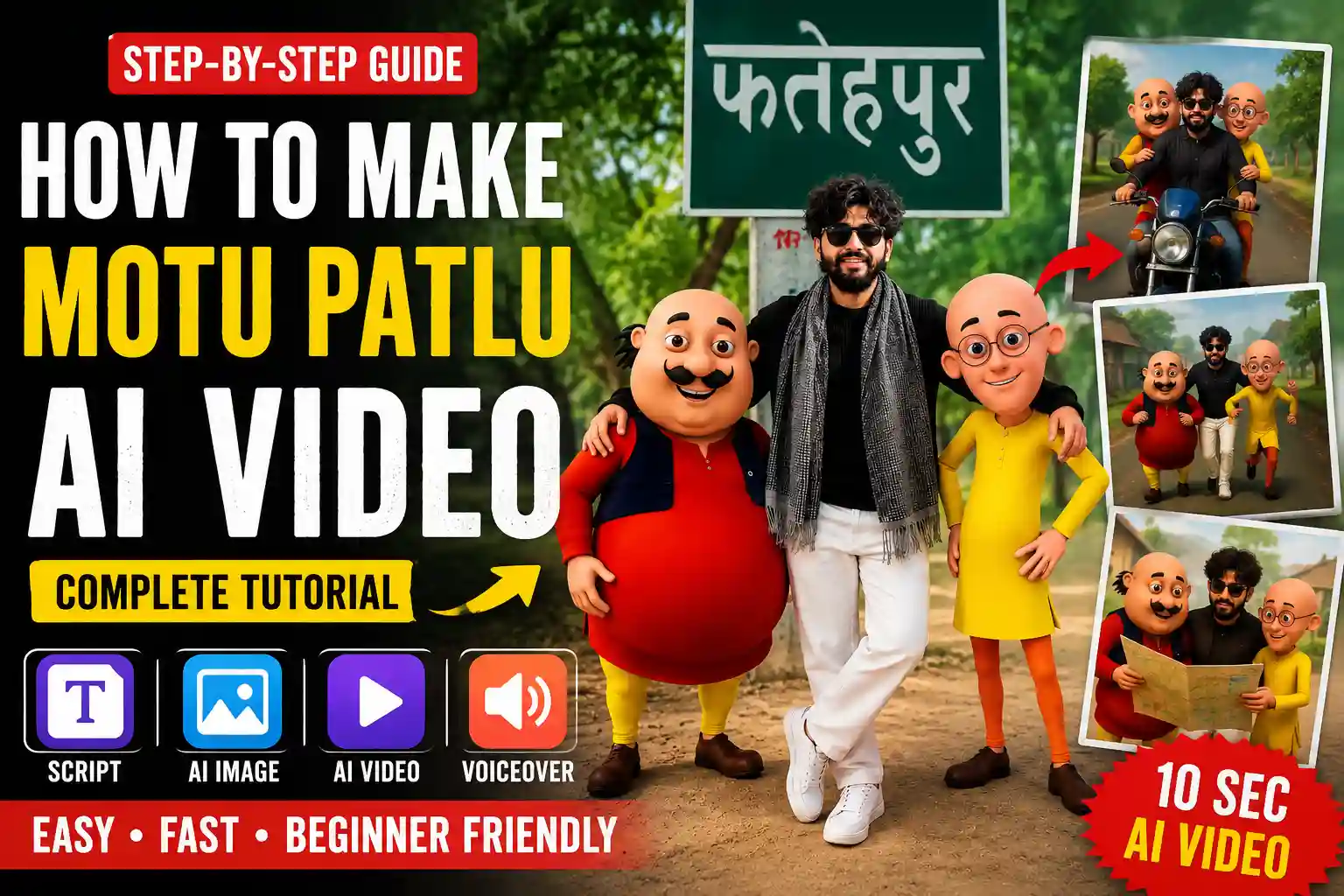
A lot of people look up how to make Motu Patlu AI videos because they want to make videos with characters that look like cartoons. But you have to remember that Motu Patlu is owned by someone so you should not make videos that copy the characters or try to be them because that is not allowed.
You can make your cartoon characters that are funny, colorful and good for families using AI image and video tools. They can be similar in style. Still be completely new. This article will show you how to make a video from start, to finish using AI tools to create cartoon inspired characters and videos..
Process Of This Video Editing
First we need to understand how the video editing process works. The video editing process is done on a computer. The computer does all the work it makes pictures and videos. We start with a picture. Then we turn the picture into a video. The great thing about this video editing process is that we can change what the person in the video says. We can make the person in the video say what we want the person in the video to say.
I think it is really cool that we can make a picture and turn it into a video.. Then the person, in the video can talk.
I will now show you the steps of the video editing process. I will tell you how to do the video editing process.
How To Create Ai Image First?
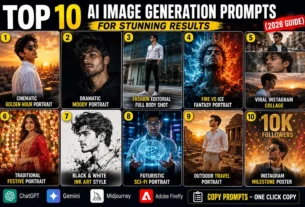
Now it is time to create the photo. We have already provided you with the prompts in the article—various types for you to choose from. Simply copy the one that works best for you, then open ChatGPT. First, enter your prompt, and then click the plus (+) icon to upload your photo; you can upload any photo you like. After that, hit generate, and you will see excellent results that can be converted into a video. There is one more important point to note here: different image prompt styles will result in different types of videos, and the corresponding video prompts will also differ—so please keep that in mind.
Image Promt:-
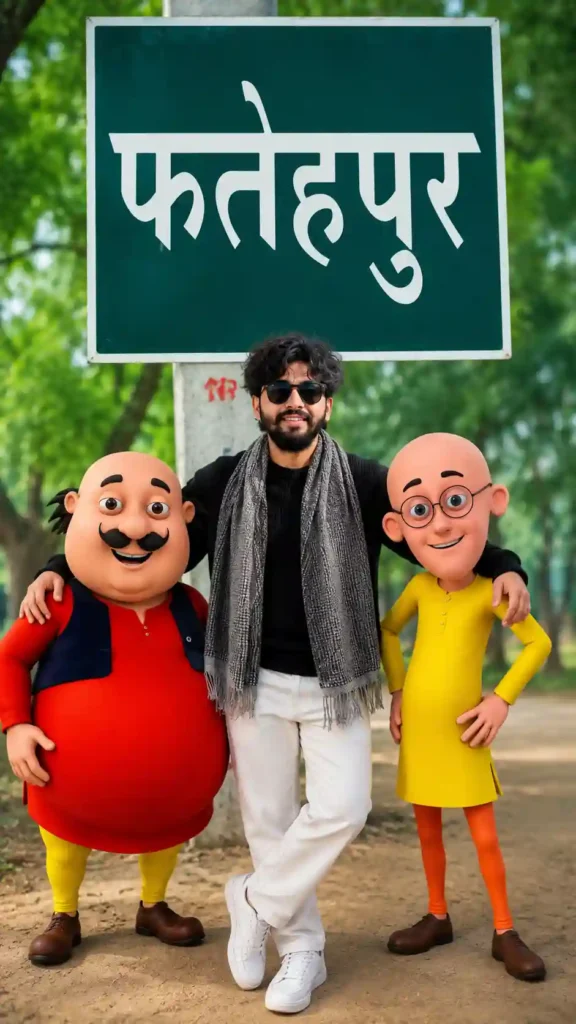
Video Prompt:-
Can You Monetize AI Cartoon Videos?
Yes, original AI-generated cartoon videos can often be monetized if they comply with the policies of the platform you’re using.
However, avoid:
- Copying copyrighted characters.
- Reusing scenes from TV shows or movies.
- Uploading content that closely imitates protected franchises.
- Using copyrighted music without permission.
Creating original characters, stories, and visuals is the safest long-term approach.
SEO Tips
To improve search visibility:
- Write detailed descriptions.
- Add relevant keywords naturally.
- Use descriptive image alt text.
- Create custom thumbnails.
- Include FAQs.
- Link to related articles.
- Keep your content updated.
Frequently Asked Questions
Can beginners create AI cartoon videos?
Yes. Modern AI tools make it possible for beginners to create animated videos with little or no animation experience.
Do I need drawing skills?
No. AI image generators create artwork from text prompts.
Can I create long AI animations?
Yes. Generate multiple short scenes and combine them in a video editor.
Which video format is best?
MP4 in 1080p works well for YouTube, Instagram, and Facebook.
Are AI-generated cartoon videos good for YouTube?
Original, high-quality AI cartoon videos can perform well if they provide value, entertainment, and comply with platform policies.
Final Thoughts
Creating AI cartoon videos has become easier than ever. With the right combination of storytelling, original character design, AI image generation, animation tools, voiceovers, and editing, you can produce engaging content for YouTube Shorts, Instagram Reels, Facebook, and other social media platforms.
The key to long-term success is originality. Rather than recreating copyrighted characters, focus on developing your own unique cartoon universe with memorable personalities and entertaining stories. Consistency, creativity, and regular publishing will help you build an audience and create content that stands out in the growing world of AI animation.