Add Watermark to PDF
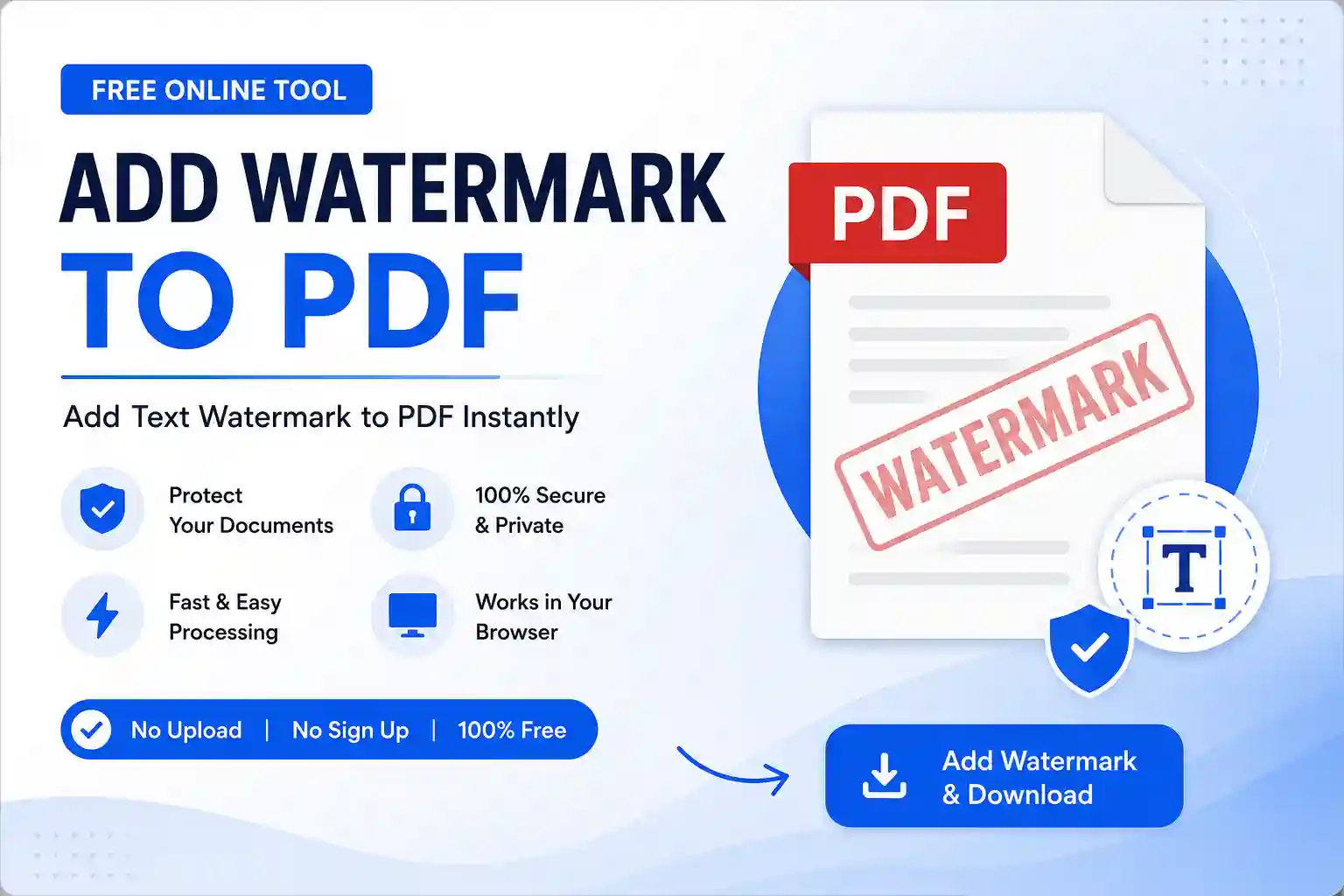
This tools lets you apply custom text or image watermarks across PDF pages.
Drop your PDF here or
All processing happens locally in your browser.
Add Watermark to PDF Online Free
If you want to protect your PDF documents from unauthorized copying or clearly display ownership, our Add Watermark to PDF tool is the perfect solution. You can quickly add a custom text watermark to every page of your PDF directly in your browser. No registration, no installation, and no file uploads are required.
Since all processing happens locally on your device, your documents remain completely private and secure.
Key Features
- Add custom text watermark to PDF
- Works directly in your browser
- No file upload required
- Fast PDF processing
- Secure and private
- Supports multiple PDF pages
- Adjustable watermark opacity
- Rotate watermark angle
- Select watermark position
- Free to use on desktop and mobile
How to Use
- Click Select File and upload your PDF.
- Enter your watermark text.
- Choose the font size.
- Select the watermark position.
- Adjust opacity and rotation.
- Click Add Watermark & Download.
- Your watermarked PDF will be downloaded instantly.
Why Use This Tool?
Watermarks help protect important documents from unauthorized sharing and make ownership clear. Whether you’re sending invoices, contracts, reports, assignments, or business documents, adding a watermark provides an extra layer of branding and security.
Is It Safe?
Yes. Your PDF is processed entirely inside your browser. No files are uploaded to any server, ensuring complete privacy and security.
Frequently Asked Questions
Is this Add Watermark to PDF tool free?
Yes, it is completely free with no hidden charges.
Do I need to create an account?
No. You can use the tool instantly without signing up.
Are my PDF files uploaded?
No. All processing takes place locally in your browser.
Can I watermark multiple pages?
Yes. The watermark is automatically applied to every page in the PDF.
Does it work on mobile devices?
Yes. The tool is fully responsive and works on Android, iPhone, tablets, and desktop computers.