Case Converter
Transform text between different cases instantly
Convert To
Case Converter – Convert Text Case Online Instantly
Formatting text manually can take time, especially when working with large documents, articles, assignments, or programming code. Our Case Converter lets you change the letter case of your text instantly with just one click.
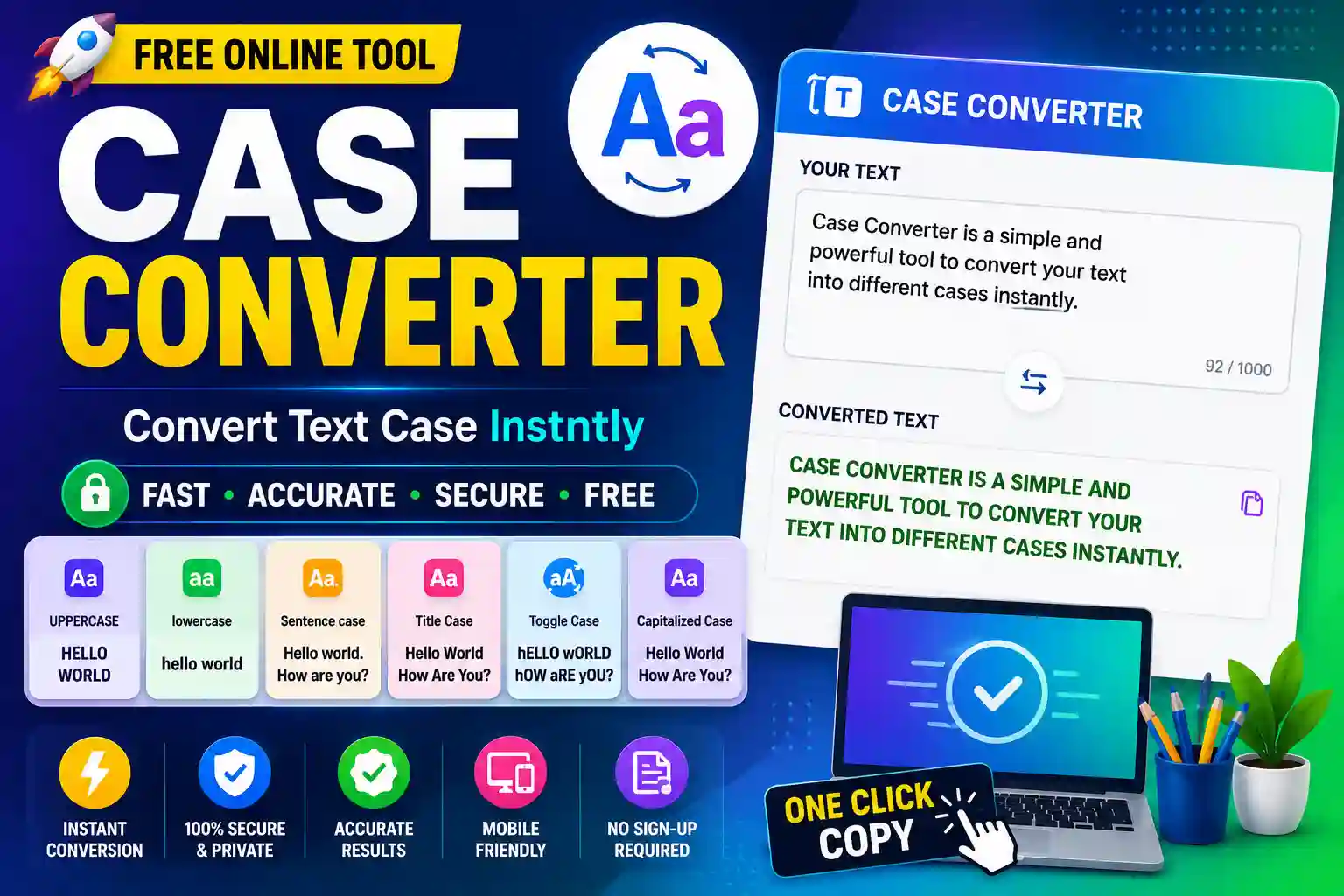
Whether you need UPPERCASE, lowercase, Sentence Case, Title Case, or Capitalized Case, this free online tool makes the process quick and effortless.
Since everything runs directly in your browser, your text stays private and secure.
Features
- Convert to UPPERCASE
- Convert to lowercase
- Sentence Case Converter
- Title Case Converter
- Capitalized Case
- Toggle Case
- One-Click Copy
- Mobile Friendly
- Fast & Secure
- No Registration Required
How to Use the Case Converter
- Paste or type your text into the input box.
- Select the case format you want.
- Click the appropriate conversion button.
- Copy the converted text instantly.
- Paste it wherever you need.
Why Use Our Case Converter?
Changing text case manually can be frustrating, especially when working with long paragraphs. This tool automatically converts your text into the desired format in seconds, helping you save time and improve productivity.
It’s ideal for students, bloggers, content writers, programmers, editors, marketers, and anyone who works with text on a daily basis.
Available Case Formats
- UPPERCASE – Converts every letter to capital letters.
- lowercase – Converts all letters to small letters.
- Sentence Case – Capitalizes only the first letter of each sentence.
- Title Case – Capitalizes the first letter of every important word.
- Capitalized Case – Converts the first letter of each word into uppercase.
- Toggle Case – Switches uppercase letters to lowercase and vice versa.
Benefits
- Completely free
- Instant text conversion
- Accurate results
- No software installation
- Safe and private
- Works on desktop and mobile
- Easy-to-use interface
- Saves time while editing text
Frequently Asked Questions
Is the Case Converter free?
Yes. The tool is completely free to use.
Is my text stored?
No. Your text is processed locally in your browser and is not stored on any server.
Can I convert large paragraphs?
Yes. The tool supports both short and long text without any issues.
Does it work on mobile devices?
Yes. It works perfectly on Android phones, iPhones, tablets, laptops, and desktop computers.